Quick answer
No independently verifiable official Windows installer was found on July 13, 2026. Prefer the web route; use a reputable emulator only when Android access is necessary.
| Primary platform | Android or web |
|---|---|
| Official Windows installer | Not verified; avoid third-party EXE files |
| Version check | No PC version number is claimed |
| Media note | Editorial concepts, not real UI screenshots |
Choose a method
Choose by task, not by the download button.
| Method | Best for | Limit |
|---|---|---|
| Browser | Watching without installation | May depend on network |
| Android emulator | Running a verified APK | Resources, DRM and network |
| Windows app | Only after first-party release | No verified installer |

Why the search is risky
Results mix web pages, APK mirrors and unrelated Windows files.
- Do not turn Android versions into Windows versions.
- Do not trust latest without a source.
- Keep PC intent separate from the APK page.
Use the browser first
Confirm HTTPS and test the service on the current network before installing anything.
- Update Chrome or Edge.
- Avoid look-alike domains.
- Compare phone and PC on the same network.
When an emulator makes sense
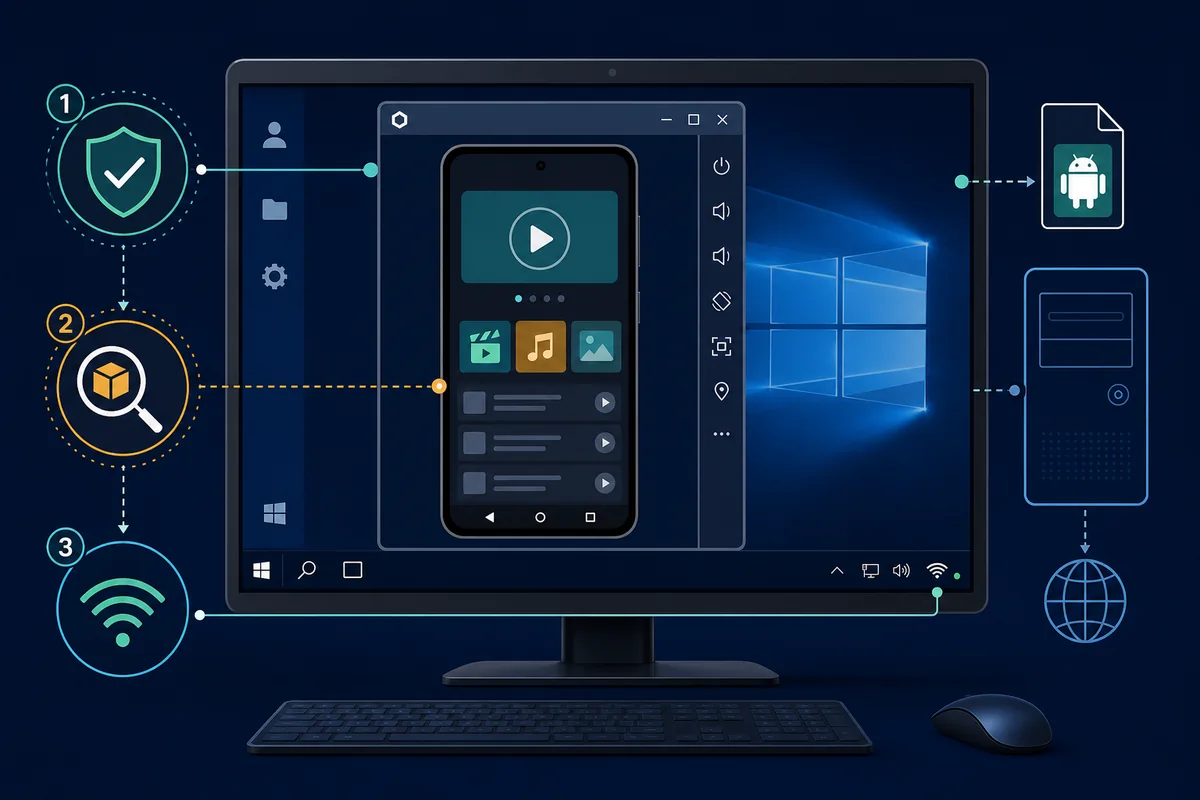
An emulator is a compatibility layer, not an official PC edition; inspect package, signature and permissions.
- Enable virtualization when required.
- Test graphics acceleration.
- Remove mismatched packages.
Network and playback limits
Network, DRM, device or account checks can still block playback.
- Check time and DNS.
- Compare with Android hardware.
- Avoid unknown mirrors.
Safer setup
Choose the route
Pick web or Android.
Verify the source
Record package identity.
Test the network
Check ISP dependence.
Configure carefully
Enable only what is needed.
Common problems
Page will not open
Check URL, HTTPS, DNS and network.
Video is black
Update graphics and change renderer.
APK will not install
Check architecture and Android version.
Phone works but PC fails
DRM and device checks may differ.
Verification references
Security references, not downloads.
- Microsoft Windows support - Official Windows help.
- Google Play Protect help - Google Play Protect guidance.
Related guides
Cinemana Android
APK and package checks.
Open APK guideCinemana iPhone
iOS limits.
Read iPhone guideAPK installation
Warnings and errors.
View stepsOpen Cinemana in Google
Browser, sign-in and network checks.
Open Google guideCinemana PC questions
Is there an official Windows app?
No verifiable installer was found on July 13, 2026.
Can APK install directly?
No, it needs an Android layer.
What is the latest PC version?
No number is claimed without an official release.
Should I download Cinemana.exe?
Only when a verifiable first-party source links the exact file.