Short Answer
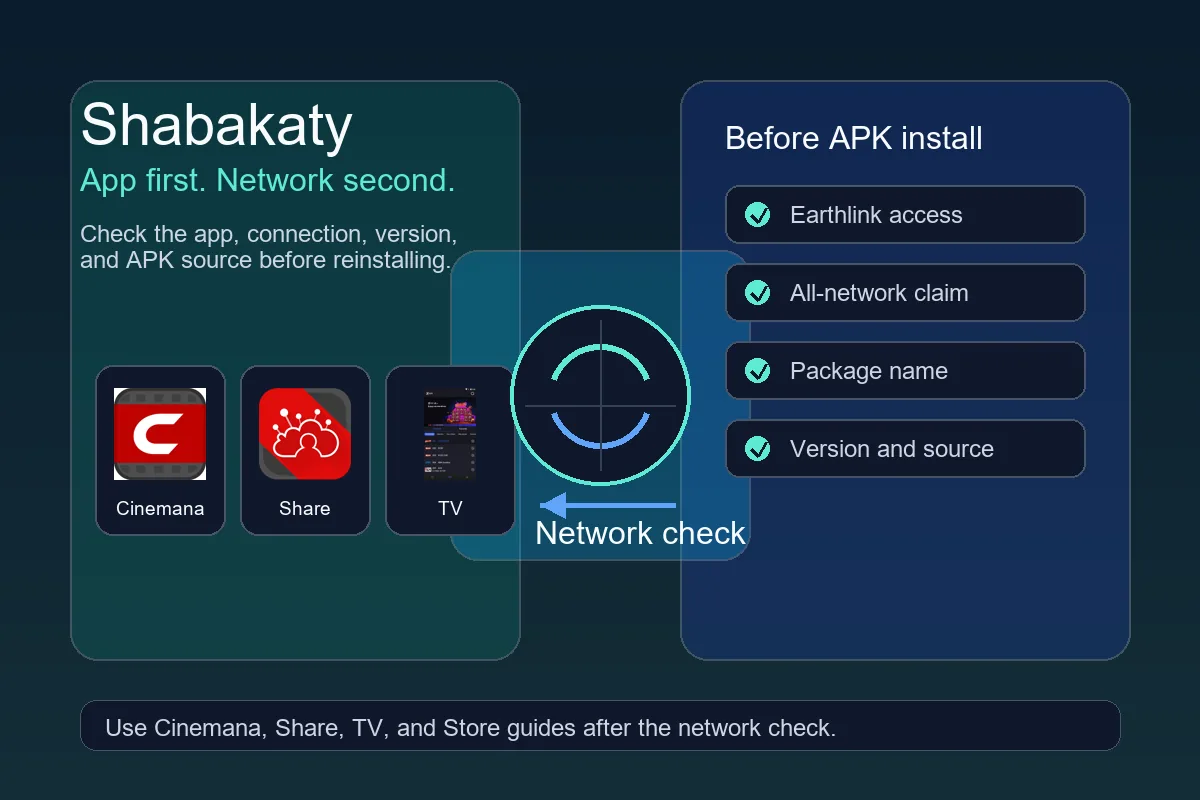
Shabakaty is often searched together with Earthlink in Iraq, but one keyword does not guarantee that every APK works on every connection. Access can vary by app, version, location, provider, and the way the link is opened. Treat all-network claims as compatibility notes, not as proof that a file is official, safe, or suitable for your device.
| Main intent | Understand Shabakaty and Earthlink before downloading |
|---|---|
| Start with | Cinemana for viewing, Share for files, TV for channels |
| Critical checks | Network, app version, package name, APK source |
| Avoid | Modified APKs or vague all-network promises |
What Does Shabakaty Earthlink Mean?
Most users who search this phrase are trying to understand whether Shabakaty-related apps work through Earthlink or a specific Iraqi network environment. The safer approach is to identify the exact app first. Cinemana is for viewing, Share is for files and links, TV is for channels, and Store is for choosing between apps.
- Do not use the word Earthlink as a substitute for checking the app.
- Separate network failure from an outdated APK version.
- Move to the specific guide once you know the failing app.
Network Version vs All-Network Version
Pages sometimes claim that a version works on all networks. That claim may describe broader compatibility, but it does not prove that the APK is official or safe. A trustworthy download page should show the package name, version, update date, Android requirement, and a clear reason for any modified build.
- Read version details before installing.
- Compare the package name with the app you wanted.
- Stop if one file mixes several app names without explanation.
Why Cinemana or Share May Fail on Your Network
Failure can come from weak connectivity, DNS issues, temporary blocking, an old version, damaged cache, or the wrong app. Before downloading another APK, test a normal website, restart the connection, clear cache, and compare the installed version. If only one app fails, the issue is probably app-side or service-side rather than your whole phone.
- Try the link in another browser.
- Clear app cache before reinstalling.
- Avoid installing many similar builds on one device.
Should You Use VPN or DNS?
Do not start with VPN or DNS changes. They can hide the real issue, slow the connection, or break local access. Use them only as a short test and restore the original settings if nothing improves. If an app depends on a local provider environment, VPN may not help at all.
- Record settings before changing them.
- Test briefly and then revert if needed.
- Do not grant VPN permissions to unknown APKs.
Choose the Right Page for the Problem
| Search or symptom | Best page | Why |
|---|---|---|
| shabakaty earthlink | This guide | Explains network compatibility before choosing an APK. |
| Cinemana does not work | Cinemana Shabakaty guide | Focuses on viewing, version, cache, and playback issues. |
| share.shabakaty will not open | Shabakaty Share guide | Separates the Share link, file access, and PC access. |
| Channels or Android TV | Shabakaty TV guide | Covers TV compatibility, remote control, and channel playback. |
Compatibility Checklist Before Installing APK
-
Name the real app
Decide whether you need Cinemana, Share, TV, or Store. A generic Shabakaty title is not enough.
-
Check the connection
Test whether the problem affects every site or only one Shabakaty app.
-
Read APK details
Compare package name, version, size, update date, and Android requirement before installing.
-
Change one thing at a time
Clear cache, update, or switch connection separately so you know what fixed the issue.
-
Use the specific guide
Once the problem is clearly Cinemana, Share, or TV, follow that app guide instead of hunting random APKs.
Common Problems and Practical Fixes
The app works on one network but not another
Check whether the app depends on a provider or region. Test another connection for comparison, but do not treat all-network claims as guaranteed.
A download page shows a vague APK name
Do not install until it shows version, package, and source details. Use the Store or app-specific guide to choose correctly.
Share or Cinemana fails after an update
Clear cache, compare the version, and reinstall only from a clear source. Persistent failure may be temporary service or network compatibility.
VPN makes the app slower
Turn VPN off and test the original connection. Some local-network apps do not benefit from VPN and may break with it.
Useful Internal Links
Cinemana Shabakaty
For viewing, updates, and cinemana.shabakaty troubleshooting.
Open Cinemana guideShabakaty Share
For Share files, share.shabakaty links, and PC access.
Open Share guideShabakaty TV
For channels, Android TV, black screen, or audio issues.
Open TV guideInstall Instructions
For unknown-source settings and download button issues.
Open install guideShabakaty Share Earthlink
Use this when Share access depends on the network or Earthlink context.
Open Share Earthlink guideShabakaty Earthlink FAQ
Is Shabakaty only for Earthlink users?
Some searches and sources connect Shabakaty with Earthlink in Iraq, but compatibility depends on the app, version, and access method. Check the specific app instead of relying on the name.
Is an all-network APK safe?
Not automatically. The phrase describes a compatibility claim, not safety or official status. Verify package name, version, source, and permissions before installing.
What should I do if Cinemana does not work on my network?
Check the connection, update the app, clear cache, and compare versions. If only Cinemana fails, use the Cinemana guide for app-specific causes.
Do I need VPN for Shabakaty?
Not as a first step. VPN can slow or break local services. Use it only as a temporary test and restore the original settings afterwards.