Quick answer
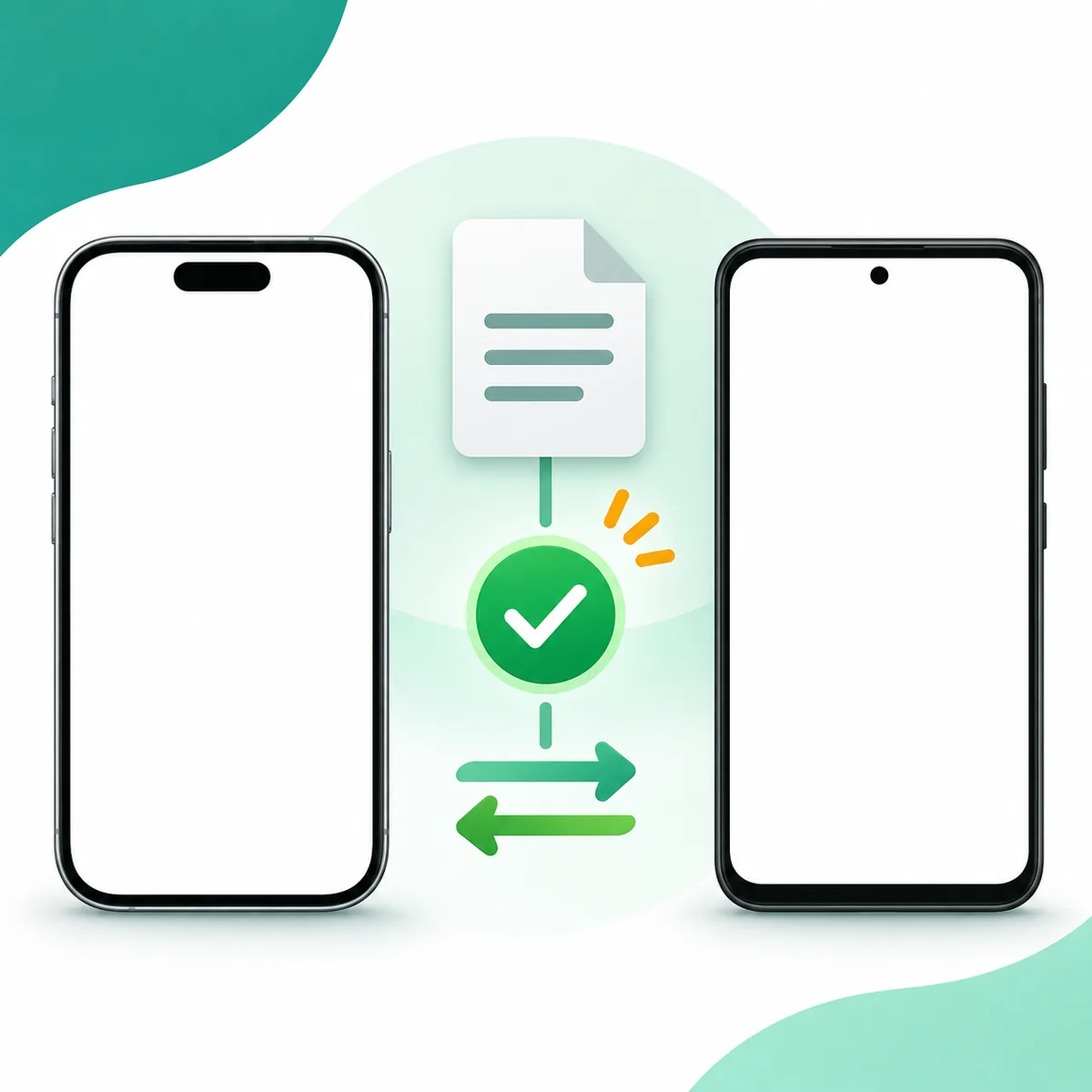
A search phrase such as Shabakaty Share for iPhone does not confirm that an official iOS app is available. Search the Apple App Store and compare the developer, listing details, and region before installing anything. An APK is an Android package, not an iPhone installer. For a personal file transfer, choose a method supported by both devices and the file type. Do not install an unknown profile or certificate because a page promised to run an Android package on iPhone.
| iOS availability | Not confirmed by the evidence available for this guide; check the App Store when you use it. |
|---|---|
| APK file | An Android package. It is not an iPhone installation file. |
| Article purpose | Clarify the search intent, verify a source, and choose a compatible transfer route. |
| Version or download link | No version number or direct app-file download is verified here. |
What can Shabakaty Share for iPhone mean?
The phrase Shabakaty Share for iPhone can describe several tasks. Some people want to know whether an iOS app named Shabakaty Share exists. Others want to open a Share website in Safari or move a photo or document from Android to iPhone. Each goal needs a different check: a web page does not prove that an App Store listing exists, and an APK does not become an iOS app because it carries the same name. A file transfer may not need Shabakaty Share at all.
If a service requests account details, verify its domain first. Search results can combine Shabakaty, Share, and iPhone without describing one verified product or supported workflow.
Check Shabakaty Share for iPhone in the App Store
Open the App Store on your device or use Apple's store search and enter Shabakaty Share. Inspect the listing itself: compare the full app name, developer, description, supported devices, and the update date shown by Apple. Results can differ by the country or region connected to an Apple account, so check the right storefront if a result does not appear. A search-results page or a third-party download page is not enough to establish that an app can be installed in your region.
Compare a similarly named app's developer and description, then install only through Apple. This guide could not verify a current first-party listing named Shabakaty Share, so availability remains unconfirmed.
- Confirm that the result is on apps.apple.com or inside the App Store app.
- Match the developer, full name, and description; an icon or screenshot alone is not proof.
- If no verifiable listing appears, leave availability unresolved instead of substituting an APK.
APK and IPA are different package formats
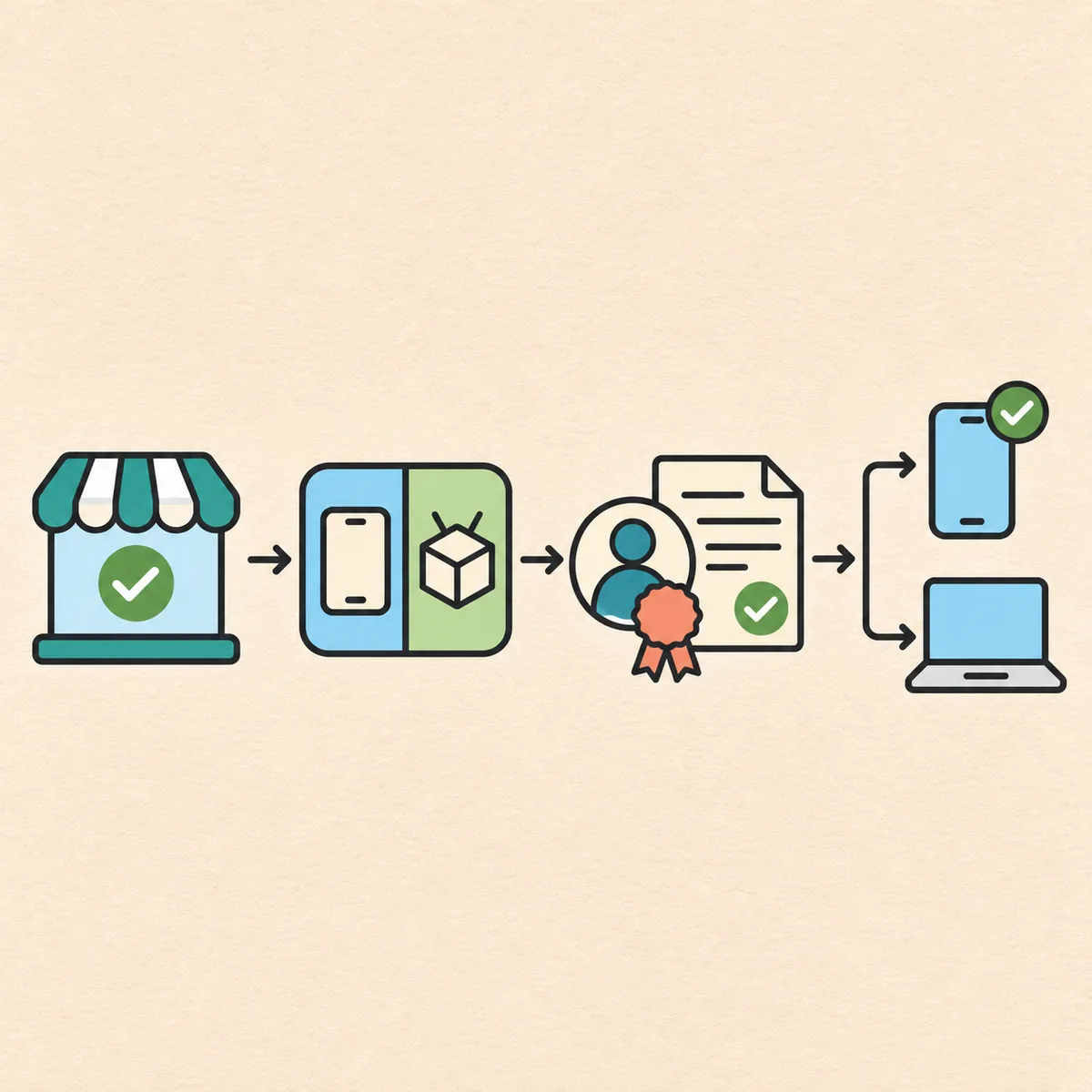
APK is a package format used by Android devices. An iPhone runs iOS apps distributed through the routes Apple permits; changing an APK filename or copying it to an iPhone does not convert it. A page titled APK Shabakaty Share for iPhone may actually be aimed at Android, or it may use the search phrase without explaining compatibility. Check the package type and the intended operating system before opening a download.
IPA is used for iOS packages in some distribution contexts, but the extension alone does not prove trust. Use a route you can verify with the developer; an unknown profile or certificate is not a workaround.
- IPA is an iOS package format; its name alone does not establish authenticity or distribution rights.
- Do not approve a profile or certificate from a source you cannot verify.
Choose a file transfer method that supports both devices
When both devices are Apple products, try the system sharing option for the selected file and confirm the recipient before sending. If one device is Android, choose a file transfer service that supports both systems and the file type. A product containing Share does not guarantee cross-platform support. For a large file, cloud storage or an official sharing link may work if you verify the account, destination, and access settings.
Safari can open a web page without proving that a native app exists. Check the domain before signing in, then review who can access a shared link and for how long.
Check the source and file before sharing
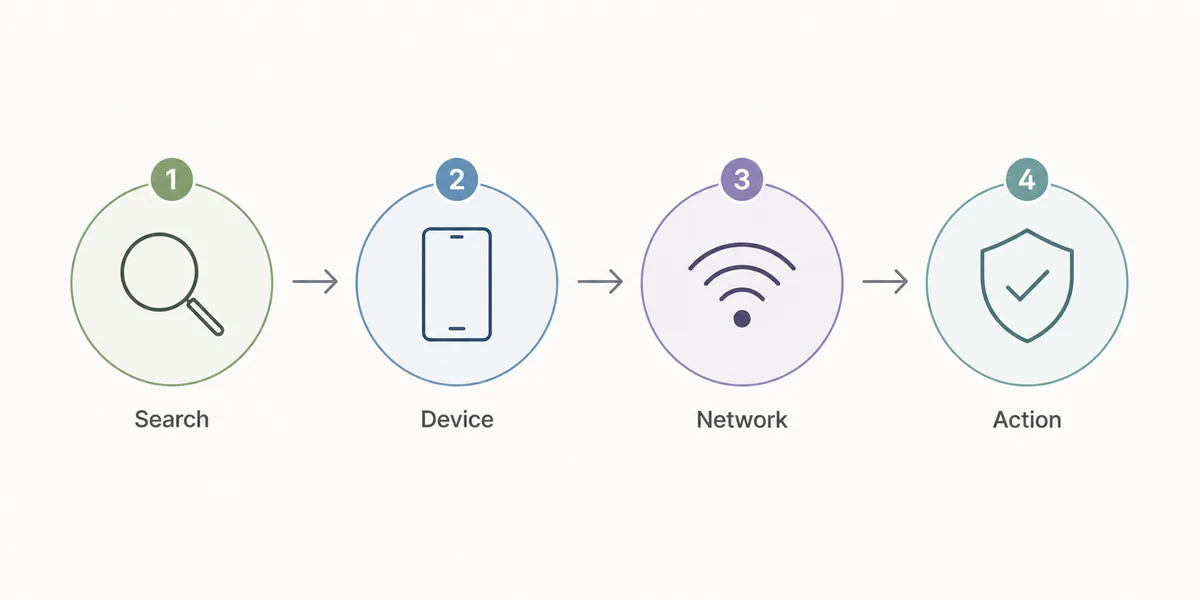
Start with the source before tapping a download button. Read the complete website address instead of trusting the name shown in an advertisement or search snippet. Check that the domain is the one you expected and that the connection uses HTTPS, while remembering that the lock icon does not prove that a site is official. Be cautious with shortened links, unexpected redirects, and pages that hide the real filename until the last step.
Check the file type, sender, and purpose. Stop if an ordinary transfer asks for an Apple password or code. Grant only necessary access and confirm recipients before sending a reusable link.
- Check the full domain and the final destination before signing in.
- Grant the least access needed and review recipients before sharing a link.
- Stop if an unrelated transfer asks for a verification code, certificate, or unexpected profile.
A practical file transfer search for Shabakaty Share for iPhone
Follow a short sequence instead of trying every result. Decide whether you want an app, a website, or a file transfer, then check the first-party source for that goal. If you cannot verify an App Store listing, do not use an APK as an iPhone workaround. For a file transfer, choose a method both systems support and check the received file.
A search can show Shabakaty Share for iPhone, a shorter query, or pages that reorder the words. Compare the publisher and final destination rather than inferring a release from the wording. Repetition is not an official announcement or a verified download.
Troubleshoot without taking risky shortcuts
If an app does not appear in the store, try the full name, confirm the account region, and check a source you already know. Do not treat an outside file as the correct app just because a store search was inconclusive. If a web page is blank, check the connection and reload once; installing a profile is not a fix for a page that will not load.
A result titled Shabakaty Share for iPhone is still only a search result until you inspect its publisher and destination. Close a page that requests an unrelated profile, certificate, or Apple sign-in. For a stalled file transfer, check storage, file type, connection, and completion before retrying.
Choose a route for the device and task
Use this table as a first check, then follow the instructions from the service you choose. It does not establish that Shabakaty Share has a release for either operating system.
| Devices | Goal | Check before continuing |
|---|---|---|
| iPhone to iPhone | Send a photo or document | Built-in sharing option and recipient identity |
| Android to iPhone | Move a personal file | A service that supports both systems and that file type |
| iPhone using Safari | Open Share on the web | Final domain and no unexpected installation request |
| iPhone looking for an app | Check iOS availability | App Store listing, developer, and account region |
| Any device | Download an APK | APK is intended for Android and does not install on iPhone |
Five checks before you continue
Name the task
Write down the goal: install an app, open a website, or send a file. Do not start from the broad word Share alone.
Verify the source
Open Apple's store or a service domain you can verify directly, and compare the publisher and destination.
Separate package types
Treat an APK as an Android package. Renaming it or copying it does not make it an iOS installer.
Choose a supported route
Use a sharing feature or service that fits both devices and the file type; review recipients and permissions.
Check the result
Open the received file with an appropriate app after confirming it arrived completely, then disable links you no longer need.
Quick answers when something goes wrong
No App Store result
Confirm the full name, account region, and developer. If you still cannot verify a listing, do not infer that an outside package is the same app.
Unexpected profile prompt
Cancel unless you can verify who issued it and why the task needs it. Never share an Apple password or code with an unrelated page.
A file is missing
Check the receiving app, file type, available storage, and whether the transfer completed before retrying.
A link will not open
Check the domain and expiry, then try the trusted service again. Avoid unexpected redirects or replacement downloads.
Sources to check directly
First-party pages could not be retrieved as evidence while preparing this guide, so it makes no current claim about app availability. Use Apple's pages below to verify details at the time you visit.
- Search Apple App Store for Shabakaty Share - Check the listing, storefront region, and developer when you visit.
- Apple app support - General app guidance; follow only instructions that fit your task.
Related guides
Shabakaty Share guide
Learn about general Share access and how it differs from other Shabakaty apps.
Open the Shabakaty Share guideShabakaty Share on a computer
Use the device-specific guide if you need Windows or a desktop browser.
Read the computer guideInstallation instructions
Review general guidance if an unexpected install prompt appears on a compatible device.
Open installation instructionsFrequently asked questions about Shabakaty Share for iPhone
Is there an official Shabakaty Share app for iPhone?
This guide does not confirm a current iOS release. Search the App Store and verify the developer, storefront region, and listing details at the time you use it. A result titled Shabakaty Share for iPhone is not enough without a first-party listing.
Can I install an APK on an iPhone?
No. APK is an Android package. Moving it or changing its name does not make it an iOS app, and an unknown profile or certificate is not a safe substitute.
How can I send a file from Android to iPhone?
Choose a trusted service that supports both systems and the file type, or use a sharing route both devices can access. Verify the recipient, permissions, and completed file before opening it.
Is an IPA file automatically a safe App Store alternative?
No. The extension alone does not verify where a package came from, whether it is safe, or whether its distribution is legitimate. Use a route you can confirm with the developer.