Quick answer
Cinemana website usually means reaching a web page or viewing portal; it does not automatically mean that you need a new APK. Start with a saved address or a result that matches the expected Cinemana/Shabakaty domain, then check HTTPS and spelling before signing in. As of August 7, 2026, no newer first-party release or stable file link was verified from the validation environment, so this page has no download button and does not call an outside mirror official or safe.
| Search intent | Reach the Cinemana website or identify the link before opening it |
|---|---|
| Comparison address | cinemana.shabakaty.com/ is a source-listed comparison address; current availability is not guaranteed |
| Website or APK? | A web page does not require a file download just to open it |
| Freshness check | August 7, 2026: no newer release for com.shabakaty.cinemana was verified from a first-party source |
| Page scope | Site and source verification, not a direct download link |
The Cinemana website is not an APK page
A website opens in a browser, while an APK is an app file that needs a source, package name, version and permissions check. A search result containing the word Cinemana does not become an original website just because the name matches.
- Use this page when your goal is to identify the web entry point or link.
- Use the Cinemana Android guide when your goal is to inspect or install an APK.
- Do not install a file just because the web page failed to load.
Check the domain and source before signing in
Type the address manually or use a bookmark that worked before. Match the hostname character by character, and do not treat a Google result or download ad as enough proof of the source.
- Review HTTPS, the hostname and spelling before entering a password.
- Do not install a browser extension or EXE that the website does not require.
- If Google sign-in appears, the account window should use a genuine Google domain.
Google, browser, Play Store and package-name boundaries
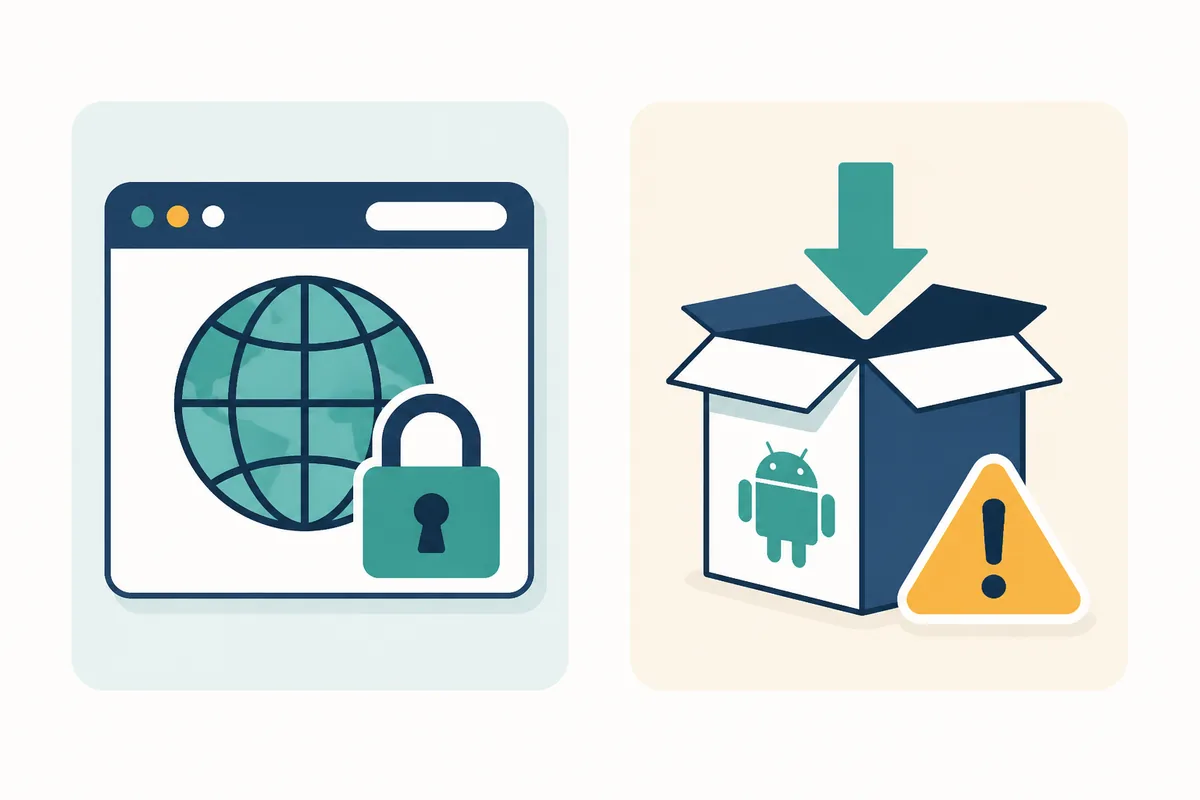
Google is a search engine, Chrome is a browser and Play Store is an app marketplace. None of them alone proves that a Cinemana result is the site you want. A package name such as com.shabakaty.cinemana can help inspect an APK, but it does not prove that a current web page or file is genuine.
- An old or similar Google result does not prove that the address works now.
- A different package name, developer or permission set is a reason to stop and compare.
- Do not judge freshness or safety from a version number alone.
If the Cinemana website does not open, isolate the problem
The issue may be the domain, browser, cookies, network or region. Test one variable at a time so an access problem does not turn into an accidental installation.
- Try a private window and another browser after confirming the address.
- Compare Wi-Fi with mobile data, then review DNS or VPN settings if needed.
- If several services fail, use a network guide instead of reinstalling an APK.
How to check a Cinemana website link
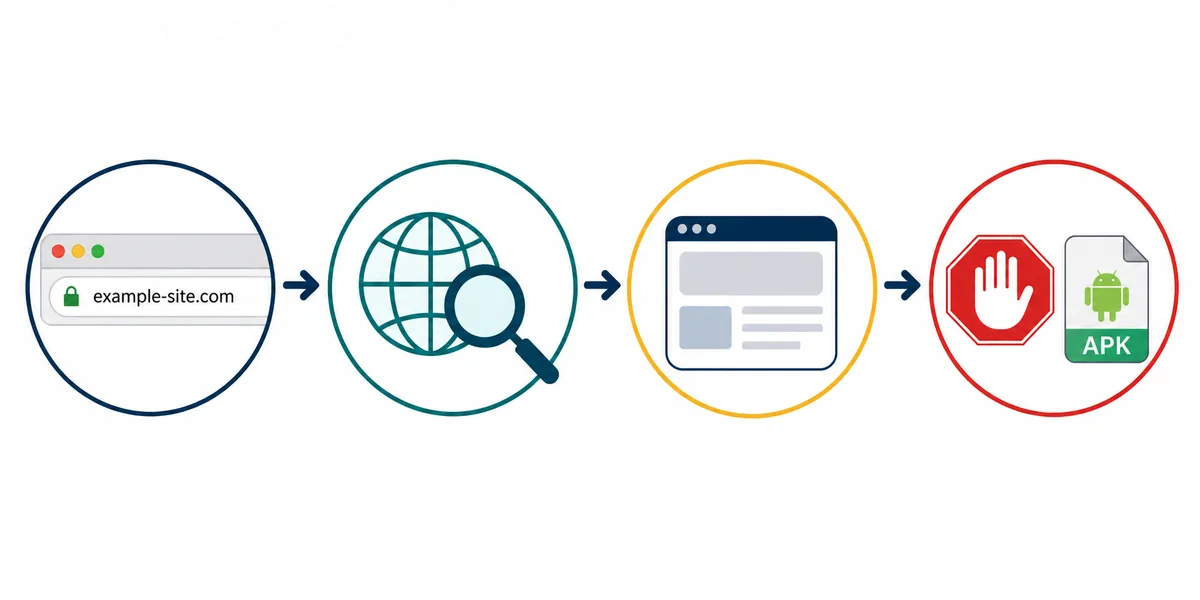
Set the search intent
If you want a web page, search for Cinemana website or open a saved link. If you want the app, move to the APK guide instead.
Match the address
Review HTTPS, the hostname and the complete spelling. Stop if an ad sends you to another domain or asks for an unnecessary file.
Test browser and network
Allow cookies and JavaScript when needed, then try a private window and compare Wi-Fi with mobile data without changing many variables at once.
Choose the next guide
Use the Google guide for browser access, the Iraq or all-networks guide for connection issues, and the APK or PC guide when the search intent changes.
Fast fixes by situation
The result opens another domain
Close it, compare the address with the known source, and do not enter credentials or install the offered file.
The website works only on a phone
Test the browser and cookies, then try another network. Do not assume you need a PC APK.
A blank page appears
Clear site data for that domain, enable JavaScript, and use the Google/browser guide for the next check.
The package name does not match
Stop the installation and compare source, package and version. Version 5.3.3 is not called latest without a matching package and verifiable first-party source.
Comparison sources and verification limits
These links support comparison or browser diagnostics. Availability and versions can vary by time and network, and they were not used to claim a current direct download.
- Cinemana address on Shabakaty — source-listed comparison point that may not respond on every network
- Chrome cookie help — Google's official cookie and sign-in reference
- Chrome site-data help — Google's official cache and site-data reference
Related guides
Cinemana Android APK
Check package identity, version and source when the goal is app installation.
Open the Cinemana APK guideOpen Cinemana in Google
Browser, login and blank-page checks after the address is identified.
Read the Google and browser guideCinemana in Iraq
DNS, network and regional checks when the address is right but access is unstable.
Open the Iraq and network guideCinemana for PC
Compare browser and emulator routes when the goal is Windows access.
Read the PC guideCinemana website FAQs
What is the Cinemana website link?
https://cinemana.shabakaty.com/ appears as a source-listed comparison address, but its current availability and official status were not verified from the publishing environment by August 7, 2026. Match the domain and do not switch to a lookalike mirror or ad.
Is the Cinemana website the same as a Cinemana APK?
No. The website is a web page and the APK is an app file. They may share a name, but an APK needs separate checks for source, package, version and permissions.
Does a Google result prove that a Cinemana link is official?
No. Google can show old pages, ads and lookalike domains. Check HTTPS and the hostname character by character before signing in or downloading.
What should I do if the package name is different?
Stop the installation and compare the source, package, developer and version. A filename or version number alone cannot prove identity.
What is the latest Cinemana version?
The August 7, 2026 check did not verify a newer first-party release for com.shabakaty.cinemana. Version 5.3.3 remains a public comparison value when the package matches, not a claim that it is latest or an official download.