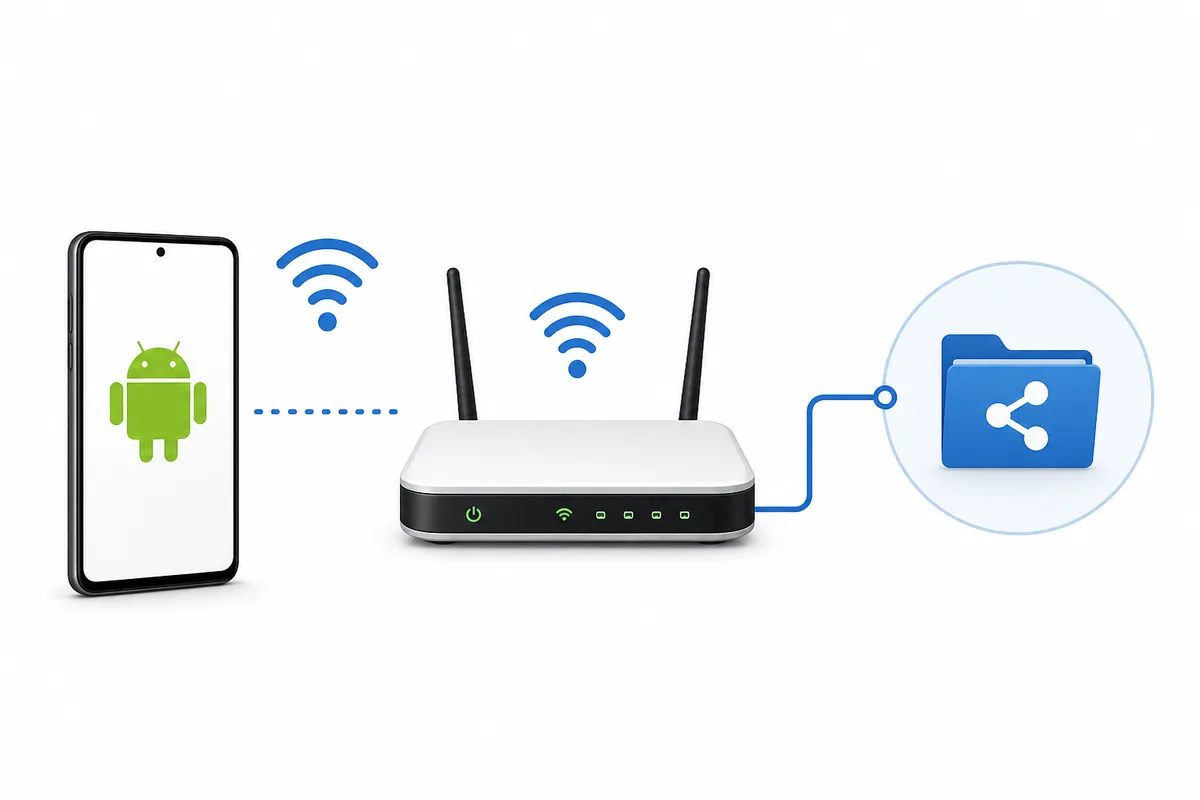
Quick answer
Start with the connection, not the download button. Open share.shabakaty in a browser on the same network, compare another device, and only then inspect the Android APK path. If the browser fails everywhere on the same connection, a new APK is unlikely to solve the issue. If the browser works but the app fails, check version, package identity, cache, and permissions before reinstalling.
| Primary keyword | Shabakaty Share Earthlink / شير شبكتي ايرثلنك |
|---|---|
| Intent | Open Share on an Earthlink-style network or fix access before downloading an APK |
| First test | Try share.shabakaty in a browser on the same connection |
| Version status | No newer first-party version verified on 2026-07-09; 3.0.12 remains a public comparison number |
| Media note | Editorial explanatory graphics, not official screenshots |
Version freshness check
Version freshness check on July 9, 2026: first-party manifest-style URLs on updates.shabakaty.com and assets.shabakaty.com timed out from this validation environment within 20 seconds, so no newer first-party Share version was verified. Shabakaty Share 3.0.12 remains a public comparison number, not a fresh official claim.
What does Shabakaty Share Earthlink mean?
The phrase combines Shabakaty Share with a network-access context. The user is usually not asking for every Shabakaty app; they want to know whether the Share link or Android app works on a specific connection. That makes the page different from the general Share guide and the broader Earthlink guide. The right order is network check first, browser access second, and APK inspection only when an installed Android app is truly needed.
- Do not treat Earthlink as proof that a file is official.
- Separate network failure from app failure.
- Use the general Share page when the question is only about files or share.shabakaty.
Test the browser path before APK
Open the Share address in a browser on the same Wi-Fi or provider connection where the app fails. Then try a second browser or another device on that same network. If every browser and device fails, the problem is likely reachability, DNS, provider routing, or temporary service availability. If the browser opens but the app fails, then the Android app version, permissions, cache, or storage access becomes the better target.
- Browser testing avoids unnecessary installs.
- A second device tells you whether the failure is local.
- Do not download a new APK until you know the failure pattern.
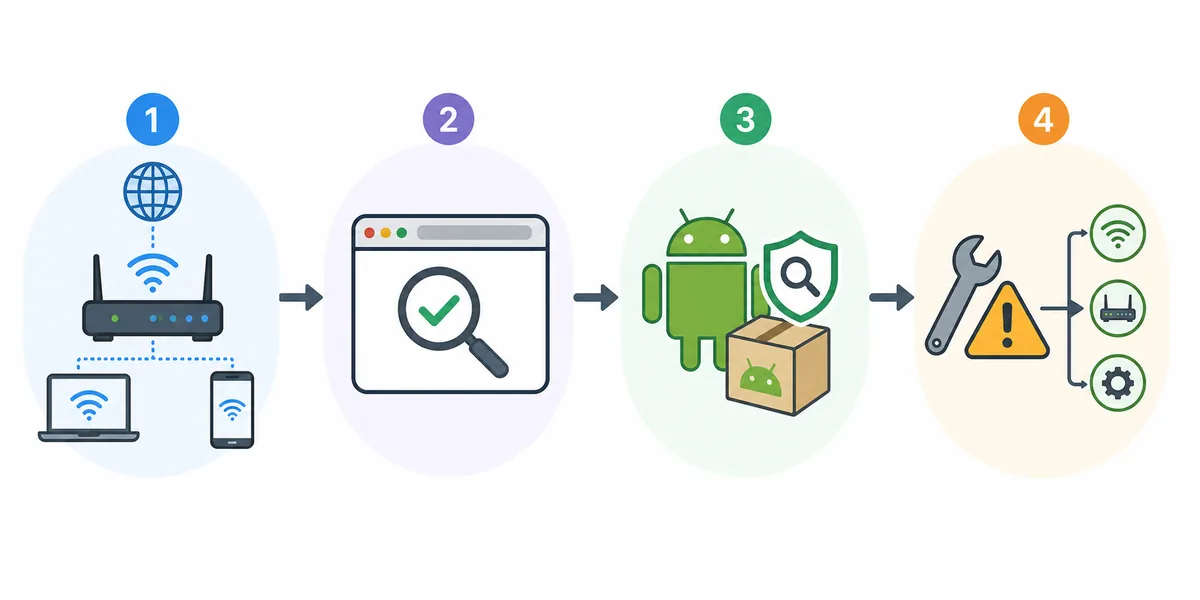
When do you actually need the APK?
Use the APK path when the task requires Android app behavior, such as local app storage, Android intents, or a flow that does not work in a browser. If the task is only to open a Share link or verify files, the browser is often simpler and less risky. Before installing, compare the version, package name, file size, update date, source clarity, and requested permissions.
- Choose APK only for Android-app behavior.
- Compare version and source before replacing an installed app.
- Avoid files that promise every network without package details.
How to handle version numbers
Some APK mirrors show higher numbers or similar names. A higher number alone does not prove the file is newer, official, or right for Shabakaty Share. The app name, package identity, source, file size, and permission context should match. In the July 9, 2026 check, first-party manifest routes did not respond from the validation environment, so this page avoids claiming a fresh latest version or a direct safe download.
- Do not mix Share, Cinemana, and TV version numbers.
- Put a checked date next to any version claim.
- Use official or first-party routes when they can be verified.
Signs the issue is network-related
If Share works on one connection and fails on another, or if Cinemana, Share, TV, and Store all fail together, the network deserves attention before the APK. Compare the same device on another connection and a second device on the same connection. Change only one variable at a time so you can tell whether the fix came from the network, the browser, cache, or the app.
- Compare one device across two networks.
- Compare two devices on the same network.
- Record the exact blank screen or error message.
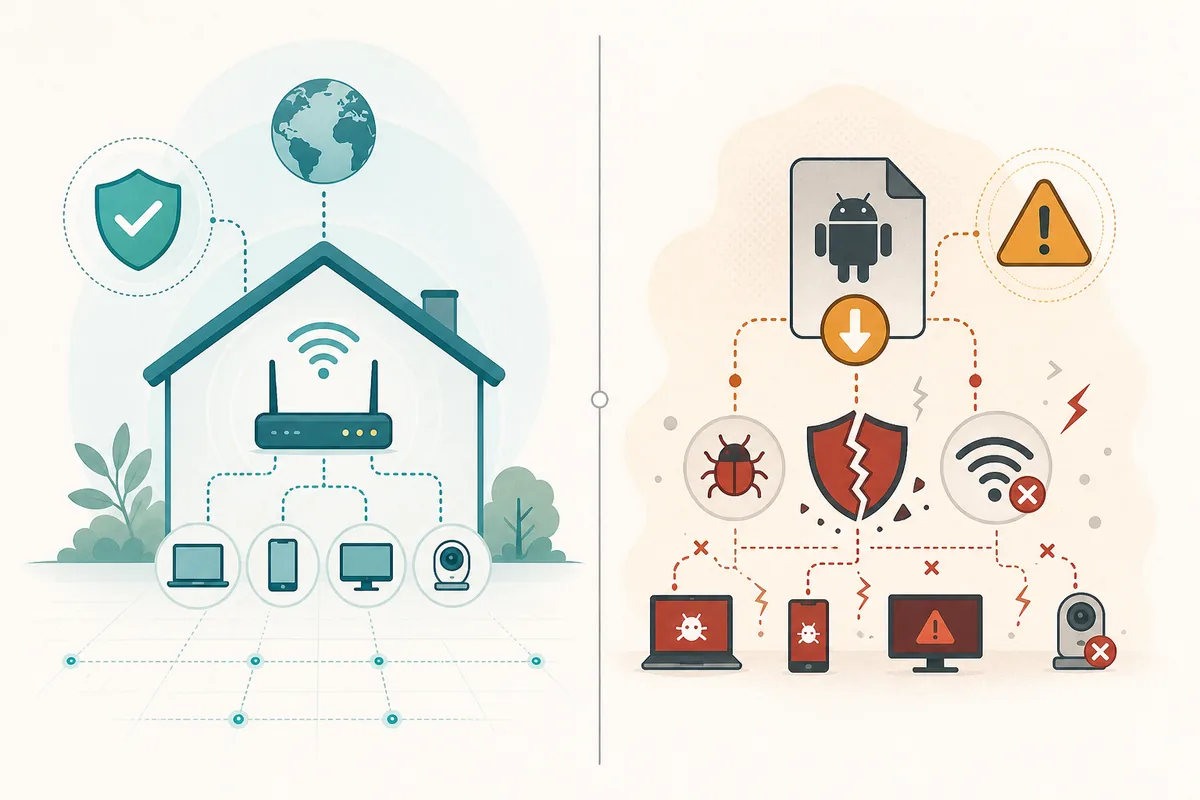
What not to do
Do not install several similar Share APKs in one day, grant VPN permissions to unclear files, or trust an icon and title alone. Do not assume a file is correct because it says Shabakaty or Earthlink. If a page mixes Share, Cinemana, TV, and unrelated transfer apps without explaining package identity, return to the Store or Share comparison pages before installing.
- Do not trust title-only APK pages.
- Do not make VPN the first fix.
- Do not confuse Shabakaty Share with SHAREit Lite.
Decision Matrix
| Case | Best action | Why |
|---|---|---|
| share.shabakaty opens in browser | Browser may be enough | Install an APK only if you need Android app behavior. |
| All devices fail on one network | Check network first | DNS, provider route, or temporary availability may be the real cause. |
| Browser works but app fails | Inspect APK details | Version, cache, permissions, or package identity may be wrong. |
| APK page shows a higher number | Compare before installing | Higher version text does not prove official or fresh status. |
| Search mixes Share and SHAREit | Use the comparison guide | That is a different intent from Earthlink Share access. |
Safe Check Order
-
Name the network and device
Record whether you are on Earthlink or another provider, and whether the device is Android, PC, or a mobile browser.
-
Open Share in a browser
Test share.shabakaty on the same connection before downloading anything.
-
Compare a second device
If two devices fail on the same network, diagnose the network before the app.
-
Inspect APK details
If the app is required, check version, package, size, permissions, source, and update date.
-
Move to the right guide
Use Share PC, the general Earthlink guide, or install instructions based on the test result.
Common Problems and Fixes
The link opens only on one network
Record the working network and avoid assuming that a new APK can bypass access conditions.
The app shows a blank page
Clear cache, test the browser route, and compare the version before reinstalling.
A file promises all-network access
Require package, version, and source details before installing. Treat the promise as unverified.
The issue happens only on PC
Use the Shabakaty Share PC guide because Windows browser and DNS behavior differ from Android.
Useful Internal Links
Shabakaty Share
Use this for general Share access, APK safety, and file-list troubleshooting.
Open Share guideShabakaty Earthlink
Use this for broader Cinemana, Share, TV, and network compatibility questions.
Open Earthlink guideShabakaty Share PC
Use this when the same Share issue happens on Windows or a desktop browser.
Open PC guideInstall Instructions
Use this when Android blocks the install prompt or manifest-style link.
Open install guideShabakaty Share Earthlink FAQ
Is Shabakaty Share Earthlink a separate app?
Usually no. The phrase normally points to Shabakaty Share in an Earthlink or local-network access context.
Do I need a new APK?
Not always. If the browser opens the Share route, you may not need a new install.
Is there a newer version than 3.0.12?
No newer first-party Share version was verified from reachable manifest routes on July 9, 2026. Treat higher mirror numbers as unverified until package and source match.
Does VPN fix Share access?
Not as a first step. VPN may slow or break local services. Use it only as a short test.
How is this different from the Earthlink guide?
This page is Share-specific. The general Earthlink guide compares Cinemana, Share, TV, and network compatibility.